
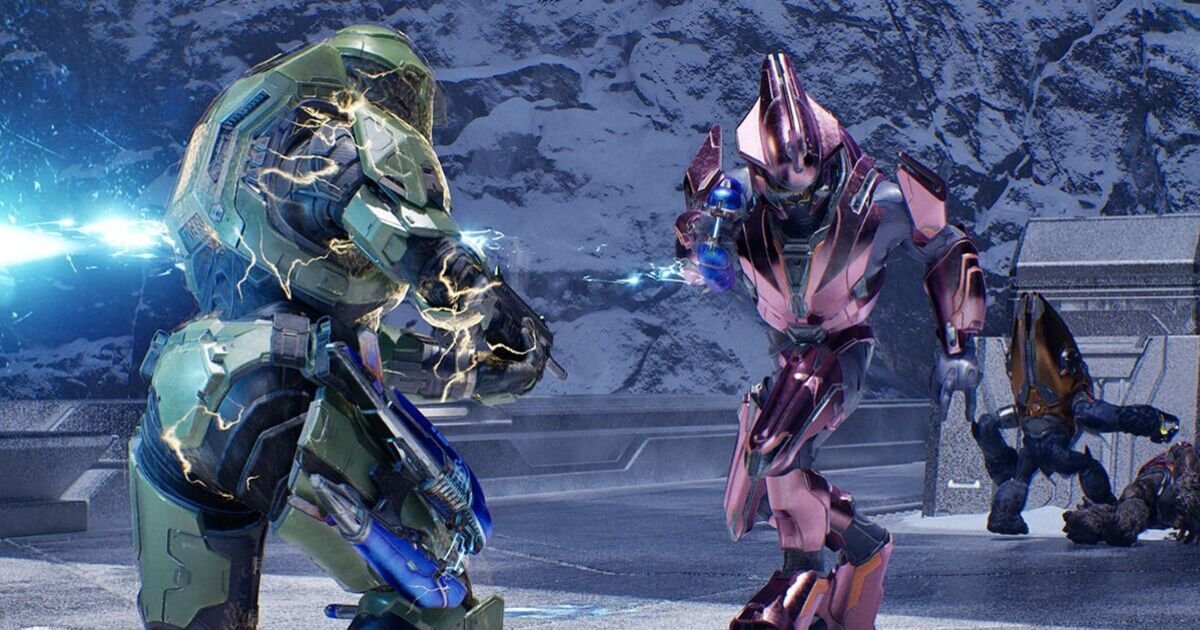

Halo Campaign Evolved gets a new update (Image: MICROSOFT)
Halo Campaign Evolved has been given a brand new update on PS5, Xbox Series X|S and PC. The new Halo Campaign Evolved update weighs in at 12 GB on PS5, 8 GB on Xbox and 17 GB on Steam. It’s substantially bigger on the Microsoft Store and Xbox PC app, where it weighs a whopping 29 GB. Of course, you’ll need to download and install the update in order to access the new changes and to continue playing online co-op.
As you can see from the patch notes below, there are some tempting visual tweaks that will be welcome to some players. This includes the ability to turn off visual effects like Chromatic Aberration and Film Grain. PC users will also be pleased to discover that there are new upscaling options, as well as a new tweak that turns Frame Generation off during cinematics and turn back on when gameplay resumes.
Halo Campaign Evolved August update patch notes…
New Video Settings
Chromatic Aberration and Film Grain
• Chromatic Aberration and Film Grain are used throughout Halo: Campaign Evolved for a variety of visual effects and rendering systems.
• With the August update, players will now have the option to turn Chromatic Aberration and Film Grain on or off individually to better suit their visual preferences.
• While setting your Upscaling Quality to Native (100% render resolution) removes resolution upscaling, Halo: Campaign Evolved continues to use processing techniques for image reconstruction, anti-aliasing, and other graphical enhancements.
• The August update adds a new “None” setting under Upscaling Technique that allows upscaling and anti-aliasing to be turned off completely.
In-Game Account Unlinking Help
• The August update introduces a new in-game method to start an account unlink request. Selecting this option opens your browser and prompts you to confirm your account details, then sign in to your Microsoft account.
• Jackals can now be staggered more reliably when targeting their hands and feet.
• Implemented several fixes for Sgt. Johnson in Boarding Action to address issues that could block mission progression.
• The Assault Rifle’s rate of fire and spread have been corrected on XBOX and PC to match the weapon’s intended performance, consistent with its behaviour seen on PlayStation 5.
• Fixed an issue where Marines and Flood Marines would not fire their Assault Rifles when the Magnified Skull was enabled.
• Marines equipped with a Battle Rifle will now fire their weapon as intended.
• Improved Active Camo behaviour to reduce instances of uncloaking when falling from a ledge or walking over small bumps.
• Fixed an issue where console players using mouse and keyboard could experience inconsistent weapon firing.
• Attempting to reload the Magnum immediately after firing will now correctly start the reload process.
• Players can now interrupt the reload animation of the Fuel Rod Cannon, Rocket Launcher, or Needle Rifle by throwing grenades.
• Achievement progress will no longer be awarded incorrectly when using restricted Skulls or difficulty modifiers.
• Fixed an issue where achievements earned while playing offline were not awarded after reconnecting to the XBOX network, requiring players to repeat the unlock requirements.
• Reduced instances where audio would become muddy, crackly, and pop during the mission Keyes.
• Campaign Remix will no longer crash when Flood replace a group of enemies intended to enter vehicles.
• Improved the account linking process where failing to make a Microsoft account would require a full title restart to attempt linking again.

Halo Combat Evolved PC upscaling (Image: MICROSOFT)
• Numerous improvements to PC stability and performance have been made, including:
• Mouse & keyboard custom key bindings will no longer reset to default after restarting the game.
• Adjusted Maximum Frame Rate options when using VSync on high refresh rate displays to prevent stability issues.
• Improved stability when using XeSS Frame Generation and an in-game maximum frame rate limit.
• Reduced occurrences of stability issues when loading a co-op session.
• Added support for all graphics quality options across all supported devices.
• Players can now select any graphics quality option, from Very Low to Ultra, regardless of their device type or hardware class.
• All supported AMD graphics cards now properly utilise Advanced Shader Delivery, significantly reducing shader loading times and minimising in-game hitching.
• Frame rate during cinematic playback has been improved while using Frame Generation.
• For improved performance, Frame Generation will automatically turn off during cinematics and then turn back on when gameplay resumes.
• Enemies and objects are less likely to appear to skip frames or stutter in high-activity areas.
• Frame rates have been improved, resulting in smoother gameplay.


