
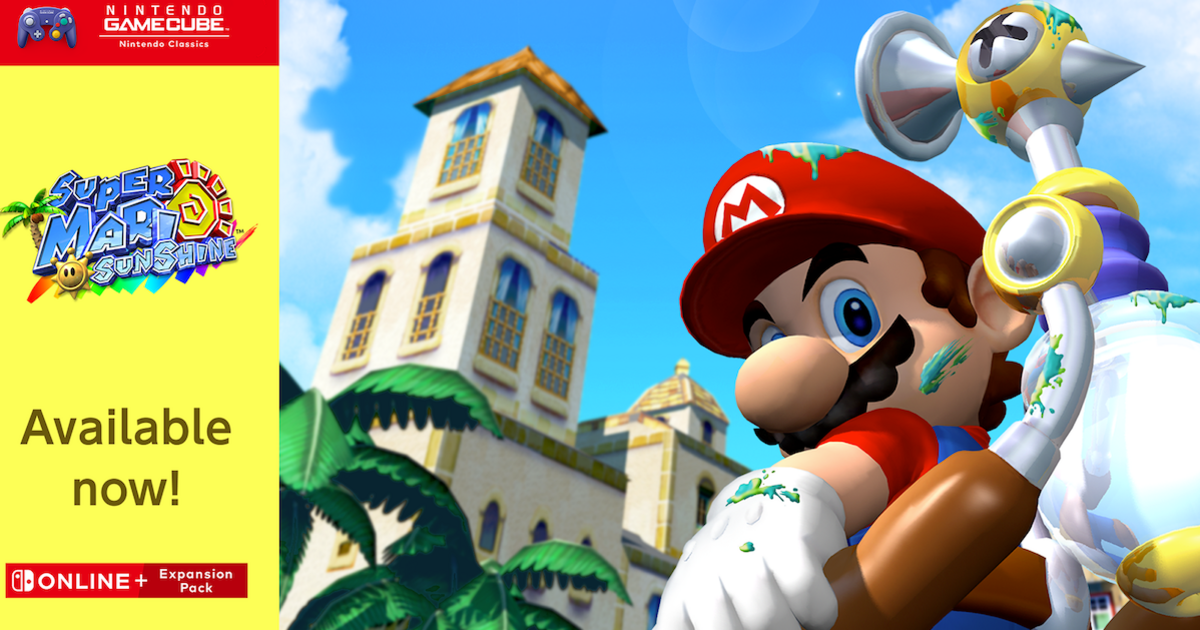
Nintendo fans are rejoicing after a classic title was added to the Nintendo Switch Online catalogue. Originally released on the GameCube in 2002, the retro Mario game’s arrival has left those with a membership delighted.
As part of Nintendo’s ongoing efforts to bring emulated versions of its extensive back catalogue to newer consoles, Super Mario Sunshine has become the latest available via the Nintendo Switch Online service. It’s available to play at no extra charge to members, but they must have also signed up for the Nintendo Switch Online Expansion Pack. There’s also another catch – GameCube classics are only available for players on the Nintendo Switch 2 console.
Super Mario Sunshine was released to critical acclaim more than two decades ago, and sold more than 5 million copies in four years to make it one of the best-selling games on the GameCube.
It was also included in the 2020 Super Mario 3D All-Stars Collection for the original Nintendo Switch. But some critics and fans were less favourable about aspects of the game such as the game camera and the difficulty of some missions.
However, most fans seem delighted with the news. One Reddit user said: “Gamecube was my favourite console growing up and the level of nostalgia I have for Sunshine is somewhat unmatched.
“For that reason, it’s my favourite Mario game and I cannot wait to play this!”
Another added: “It’s a fun time and the vibes are pretty chill and delfino plaza is a great hub world in my opinion.” Some questioned the logic of releasing a game included in the 3D All Stars collection, however.
A third user wrote: “I’m glad the game is available for people who didn’t get to buy 3D All-Stars, but it’s so baffling to me that Nintendo is rolling out GameCube games at such a slow pace and then they put one out that’s already playable on the system.”
Some players reported issues with accessing the game, but Reddit users figured out the fix. Players need to manually update the NSO GameCube software.
This can be done by clicking on the + button on the Joy-Cons while hovering over the GameCube tile and selecting the ‘update’ button from the resulting screen.


